How to make a vision board on iPad
Two ways to build a vision board on iPad: in the free browser maker, or in GoodNotes with digital stickers. Both take about 20 minutes.
Using the free maker
Open the maker in Safari
Go to the vision board maker. It works in any browser, with no app to install.
Add pictures
Tap pictures from the panel, or upload your own photos from Camera Roll.
Add words
Type your own words or tap the suggestions.
Arrange
Drag items with your finger or Apple Pencil. Pull the yellow dot to resize.
Save it
Tap 'Save as image', then set it as your iPad wallpaper in Settings > Wallpaper.
Using GoodNotes instead
If you already plan in GoodNotes, import a board page as a new notebook and drag stickers onto it. The GoodNotes pack includes board pages and 200 stickers ready to import.
Questions
Do I need an Apple Pencil?
No. Your finger works fine for dragging and resizing.
Will my board save?
The maker keeps your board in Safari on that iPad. Save it as an image before clearing browser data.
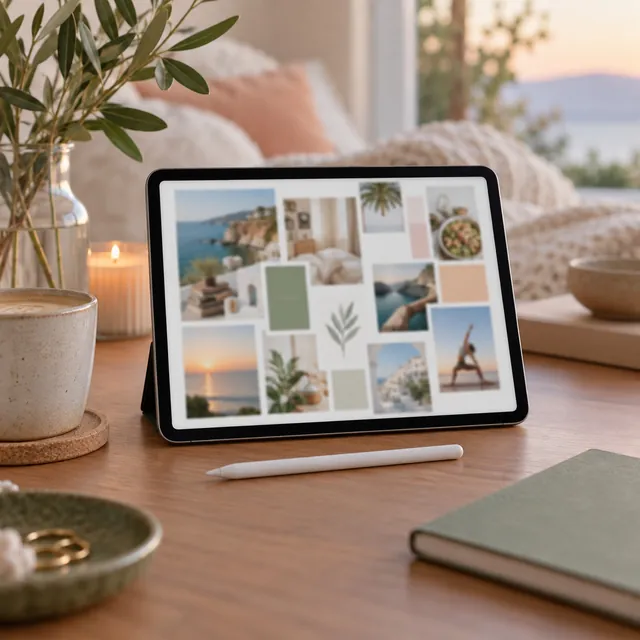
Digital vision board pack for GoodNotes
Hyperlinked board pages and 200 digital stickers you drag onto the page.
Coming soon
Prefer to build on screen? Try the free vision board maker.
More vision board ideas
Get 20 free vision board images
A printable PDF of pictures, words and quotes, sent to your inbox.