Home / Make a vision board wallpaper
Make a vision board wallpaper
A wallpaper is the easiest way to see your board every day. Build it once, then size it for your phone and laptop.
Make it in five minutes
Build the board
Use the free maker and keep the most important pictures near the centre.
Leave room for the clock
On a phone, keep the top quarter light so the time stays readable.
Save as image
Download the PNG.
Set it on iPhone
Settings > Wallpaper > Add New Wallpaper > Photos.
Set it on Mac
System Settings > Wallpaper > Add Photo.
Questions
What size is best for iPhone?
Portrait, about 1170 by 2532 pixels. The wallpaper templates are pre-sized.
Can I use it as a widget?
Yes. Add a Photos widget and pick your board image.
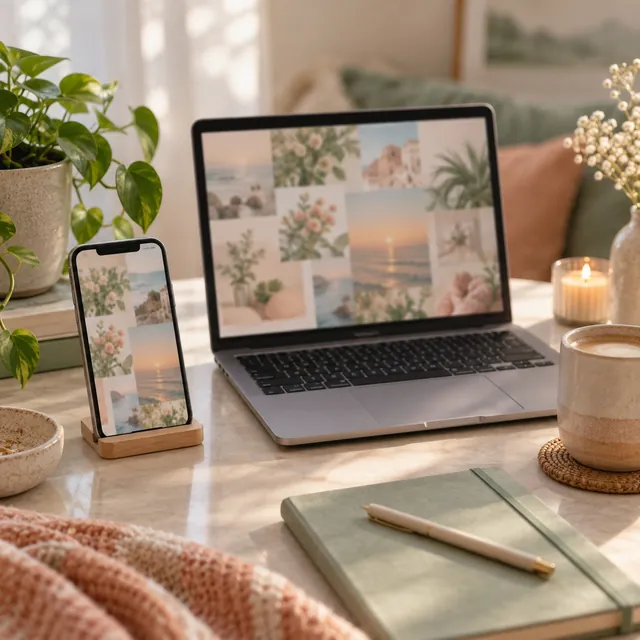
Vision board wallpaper templates
PNG templates for iPhone, Android, iPad and desktop
30 layouts sized for every screen, ready to fill in the maker.
Coming soon
$7
Notify mePrefer to build on screen? Try the free vision board maker.
More vision board ideas
Get 20 free vision board images
A printable PDF of pictures, words and quotes, sent to your inbox.